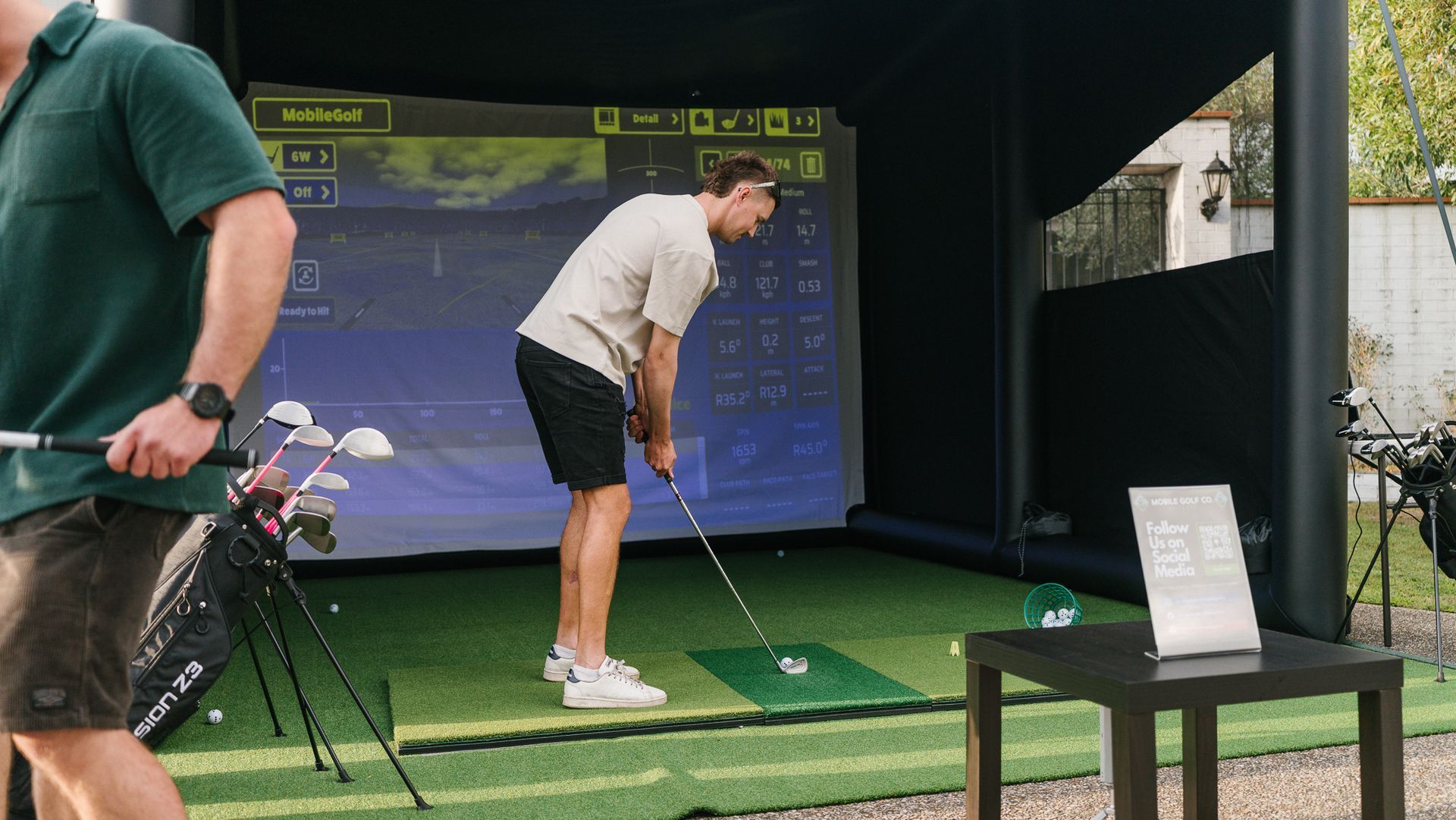
Realism or pure fun: choosing the right simulator software for your crowd
Every Mobile Golf Co activation runs on one of two software platforms: GSPro or Awesome Golf. The choice between them is one of the most consequential decisions in the activation setup — not because either one is better in an absolute sense, but because they're built for completely different things.
Use the wrong one for your event and the experience misses. Use the right one and you won't hear a single complaint about people "not being golfers."
Here's how they differ, and how we decide.
What GSPro is
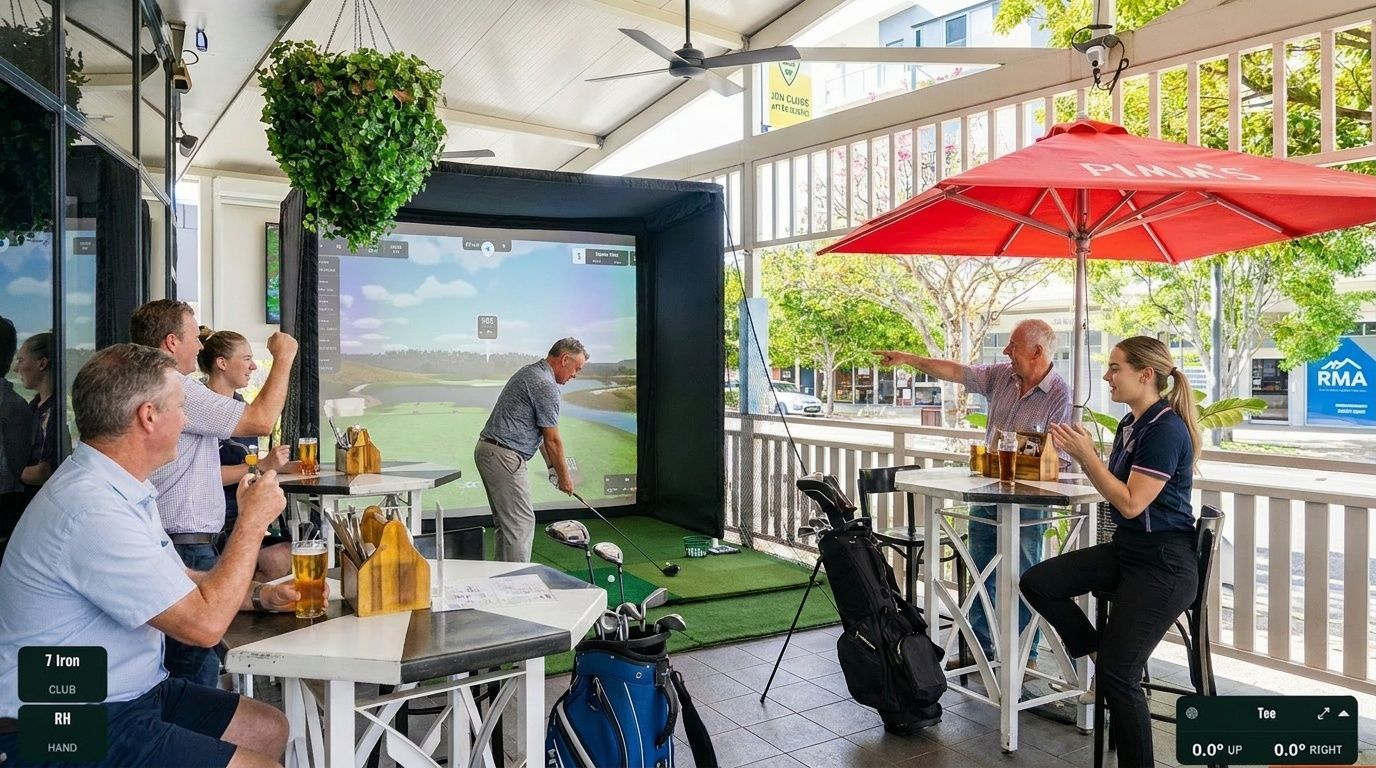
GSPro is a subscription-based golf simulation platform that renders photorealistic courses from around the world — Augusta National, Pebble Beach, St Andrews, Royal Melbourne. Players see what a real golfer on a real course would see: fairway undulation, pin position, elevation changes, accurate yardages.
The Rapsodo MLM2 Pro captures your ball data — speed, launch angle, spin rate, direction — and GSPro plots the ball flight on screen based on those exact numbers. If you hit a 7 iron at 145 km/h ball speed with a 1.42 smash factor and 21° launch angle, the screen shows you exactly where that shot would land on the course. There's no estimation. The physics are real.
GSPro also runs tournament-format scoring. Full stroke play rounds, stableford, skins, closest-to-the-pin competitions on specific holes. If you want guests to play an actual round of golf in a simulated environment and compare scores on a proper leaderboard, GSPro is the tool.
GSPro suits: Golf club activations, events with a golf-educated crowd, clients who want a serious tournament experience, PGA-style activations, corporate events where the majority of guests play golf.
What Awesome Golf is
Awesome Golf is built from the other direction. The design brief was "make golf fun for people who don't play golf" — and it delivers on that.
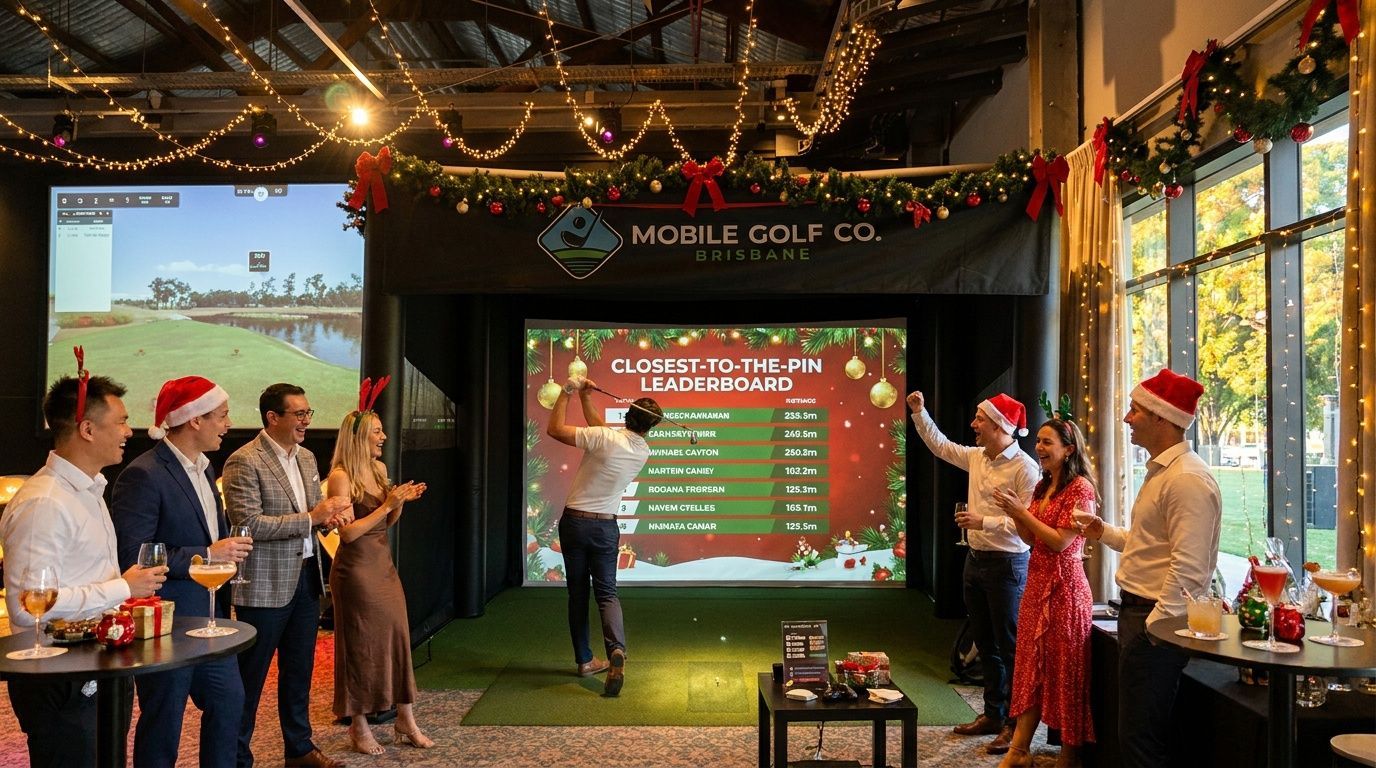
The format is mini-games and challenges rather than course simulation. Targets at different distances light up on screen. Closest-to-the-pin games with multiple players competing simultaneously. Driving range challenges where the score resets between attempts and anyone can win with one clean shot.
The competitive element is immediate and clear — you can see exactly where you placed, the rules are simple enough to understand in one explanation, and you don't need to know anything about golf to compete. The data feedback (ball speed, smash factor, launch angle) is still there via the Rapsodo, displayed after each shot, so guests get the thrill of seeing their real numbers — but the game format doesn't require them to know what those numbers mean.
Awesome Golf suits: Mixed corporate crowds with non-golfers, Christmas parties, EOFY functions, events where the goal is participation over performance, team-building formats where equal footing matters.
The honest comparison
| Factor | GSPro | Awesome Golf |
|---|---|---|
| Realism | High — photorealistic courses | Low — game-style visual |
| Golf knowledge required | Helpful, not essential | Not required |
| Competition format | Stroke play, stableford, skins, CTP | Mini-games, target challenges, driving range |
| Suitable for beginners | Manageable with host guidance | Yes, designed for it |
| Multiple players simultaneously | No — one at a time | Some game modes support it |
| Courses available | 250+ worldwide (licensed) | Limited |
| Software subscription | Required (~$250–400/year) | Required (~$230/year) |
The non-golfer question
The most common concern we hear from event planners: "Our team aren't golfers — will they get anything out of it?"
The answer is yes, on both platforms, but for different reasons.
On GSPro, the experience still works for non-golfers because the Rapsodo's data feedback is inherently interesting — seeing your ball speed and smash factor for the first time is engaging regardless of whether you play golf. The host guides guests through what the numbers mean. Most people, given one or two shots, get the hang of it faster than they expect.
On Awesome Golf, the question becomes irrelevant. The games are designed for the kind of person who has never swung a club. The skill floor is low, the feedback is immediate, and the competitive format puts a beginner and a golfer on roughly equal terms.
For most corporate and mixed-crowd events, Awesome Golf is the right call. The host switches it based on who walks up — if a guest is clearly a golfer and wants a proper challenge, GSPro gets loaded up.
How we decide for your event
When you enquire, we ask one question: who's coming?
A golf club corporate function, a sponsor activation at a golf tournament, a client day where most guests are single-figure handicappers — GSPro. Tournament format, real course play, proper scorecards.
A mixed office of 80 people for an EOFY function, a Christmas party, a conference activation where half the delegates haven't held a club in years — Awesome Golf. Mini-games, leaderboard, everyone competing on equal terms.
Many events run both, depending on who's at the setup at any given point. A group of non-golfers tries the mini-games for 20 minutes. Then a few golfers arrive and want to play Augusta. We switch. The host manages the transition without any disruption to the event.
Software and the technology underneath it
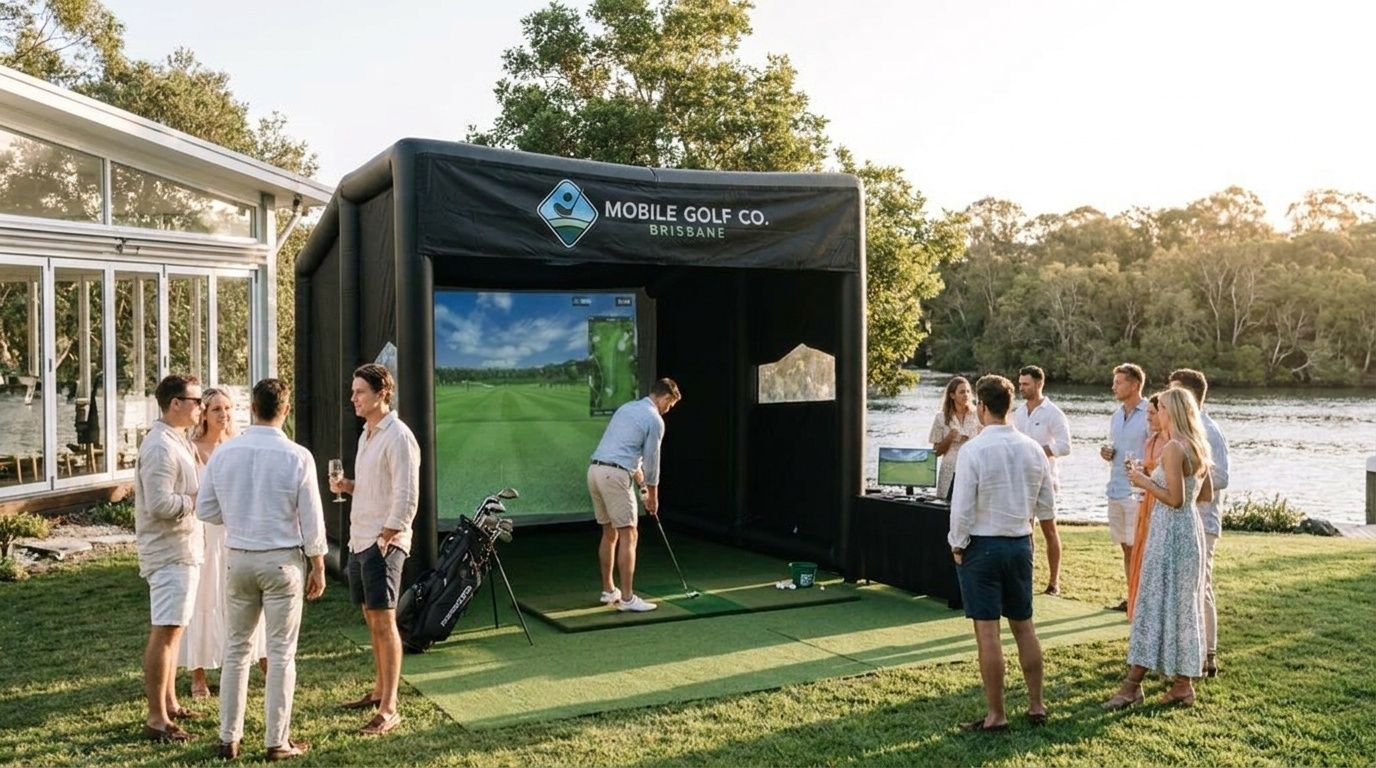
Both platforms run off the same hardware: Rapsodo MLM2 Pro launch monitor, BenQ projector, and a gaming PC. The software choice is a surface-level change from the technology's perspective — the shot capture process is identical.
For more on what the Rapsodo captures and why the accuracy matters at events, the launch monitor metrics post covers the numbers by club, and our explanation of how the Rapsodo MLM2 Pro works at events gets into the technology in more detail.
The launch monitor data explainer is also worth reading if you want context on how the software uses the data it receives.
What to tell us when you enquire
You don't need to make the software call yourself. Tell us about your event and your crowd, and we'll recommend.
What helps us: approximate guest count, how many are golfers vs non-golfers, what the event format is (cocktail function, seated dinner with activity, full-day event), and whether there's a brand or sponsor element that affects how the leaderboard should be presented.
Request a quote here and we'll come back with a recommendation and a clear price.
Related: How the Rapsodo MLM2 Pro captures your swing data · Launch monitor metrics explained · Corporate event packages · Inflatable setup overview
Here's Some Other Posts You Might Like