Understanding Your Launch Monitor Data: Smash Factor, Spin Rate & More
November 24, 2025
Decoding the Numbers Behind Every Swing for Smarter, More Consistent Golf
A Tour-Level Breakdown for Everyday Golfers
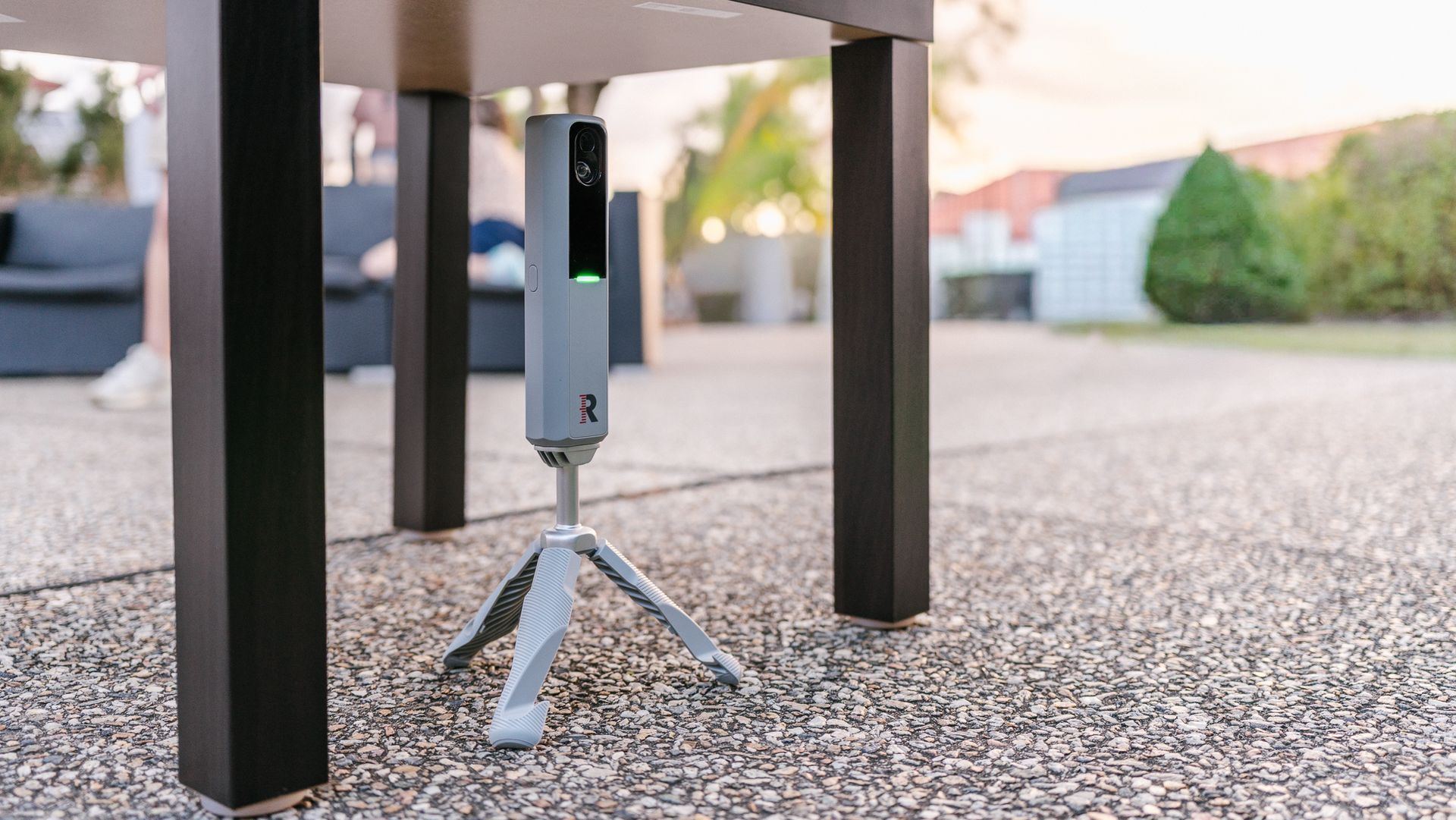
Modern golf has evolved far beyond simply watching ball flight and guessing what went wrong. Today, the world's best players lean heavily on launch monitor data to sharpen their swings, diagnose issues, and convert good contact into world-class performance. The same core principles that drive elite-level analysis now guide the technology inside the Rapsodo MLM2 Pro, one of the most accessible yet highly capable launch monitors available to everyday golfers.
This guide breaks down the key numbers golfers see inside a simulator — what they mean, why they matter, and what "ideal" data looks like across different shot types. It also outlines how players can use a mobile simulator environment to test equipment, improve consistency, or "try before you buy" when considering a launch monitor.
Whether used for practice, entertainment, or equipment evaluation, understanding data transforms guesswork into structured progress.
Why Launch Monitor Data Matters
Every golf shot is the result of a cause-and-effect chain: The club delivers speed, direction, and angle, and the ball responds with spin, height, and curvature.
Launch monitors capture the measurable realities inside that chain.
Among the world's elite, data such as spin rate, smash factor, and launch angle dictate equipment decisions, swing adjustments, and practice priorities.
These same numbers can help everyday players uncover patterns they didn't know existed — excessive spin, low launch, inconsistent strike location, or inefficient speed production.
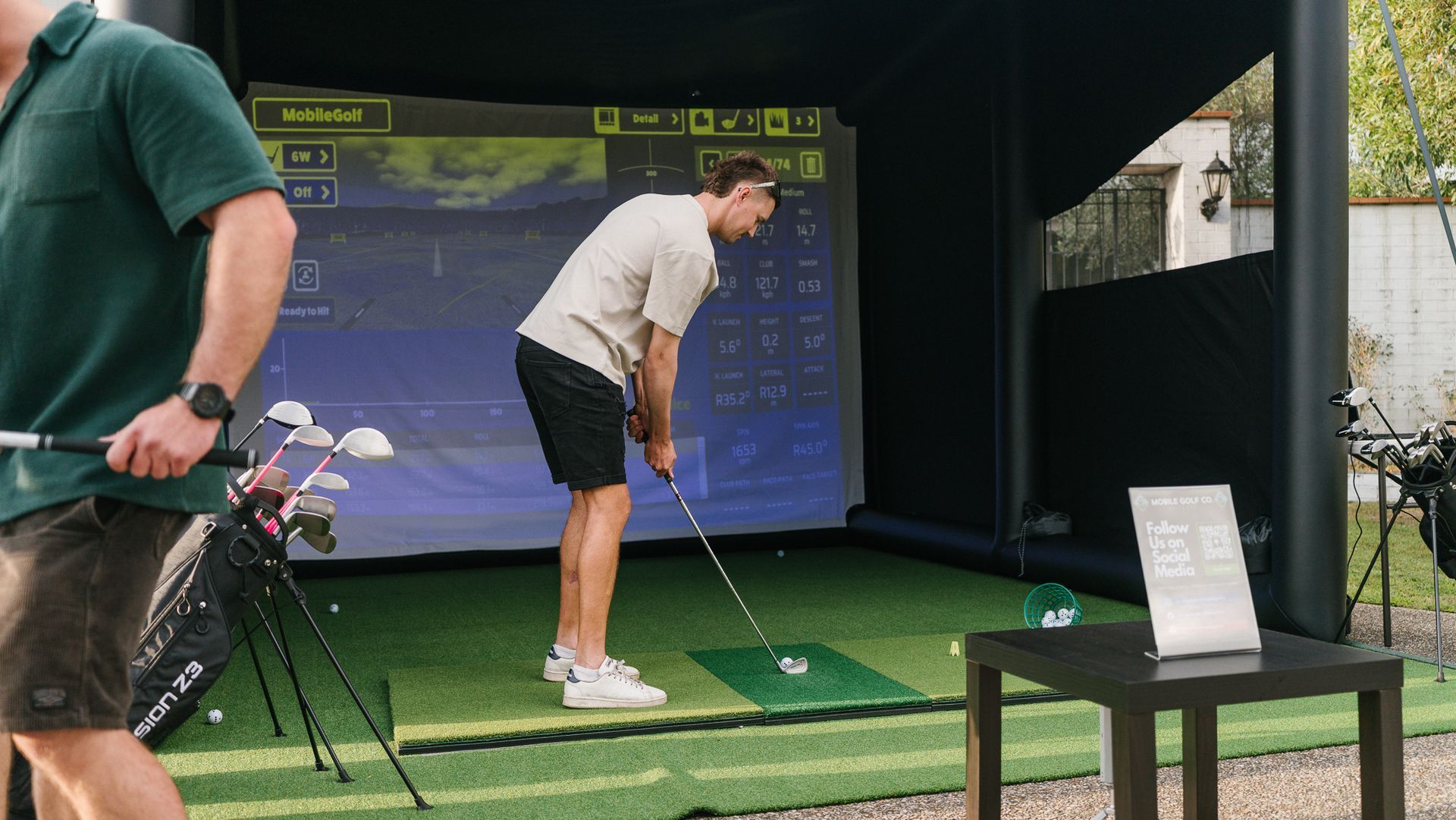
A mobile simulator using the Rapsodo MLM2 Pro allows players to explore these insights in a controlled, repeatable environment. Indoors or outdoors, summer or winter, reliable data becomes the foundation for better golf.
What the Rapsodo MLM2 Pro Measures
The Rapsodo MLM2 Pro sits in a unique category: a consumer-priced device using pro-level imaging and radar tracking. Its strengths include:
Dual-camera imaging for high-accuracy impact capture
Radar-based ball tracking
Immediate feedback after every shot
Compatibility with leading simulator software
Club and ball data across a wide range of metrics
While not every data point currently integrates with third-party apps (GSPro, Awesome Golf, etc.), these features are confirmed by Rapsodo as upcoming additions — meaning the device will soon deliver even more complete data inside simulator environments.
Below is a simplified breakdown of the major metrics golfers should understand.
Core Launch Monitor Data Explained
| Metric | What It Measures | Why It Matters |
|---|---|---|
| Ball Speed | Speed of the golf ball immediately after impact. | Determines potential distance; higher = more distance. |
| Club Speed | Speed of the clubhead at the moment of impact. | Foundational speed metric: more speed = more potential distance. |
| Smash Factor | Efficiency of energy transfer (Ball Speed ÷ Club Speed). | Tour players average 1.48–1.52 for Driver, showing elite efficiency. |
| Launch Angle | Vertical angle at which the ball leaves the clubface. | Controls launch profile for each club; affects carry. |
| Spin Rate | Total revolutions per minute of the golf ball. | Influences curvature & stopping power. |
| Spin Axis | Tilt of ball's spin, determining draw/fade curvature. | Shows left or right movement; key for accuracy. |
| Carry Distance | Distance the ball flies through the air. | Most important number for dialling in distance control. |
| Total Distance | Carry plus rollout after landing. | Useful for course management and club gapping. |
| Apex Height | Maximum height of the ball flight. | Higher apex helps shots hold greens. |
| Descent Angle | Angle at which the ball descends toward the ground. | Ideal descent angles improve stopping power on greens. |
| Shot Dispersion | Left/right grouping of shots | Shows consistency and accuracy |
| Shot Shape | Curvature of the ball flight | Helps diagnose common faults like slice/hook |
| Face Angle | Clubface alignment at impact | Key factor in initial start direction |
| Club Path | Direction the club is travelling | Essential for understanding draw/fade mechanics |
| Attack Angle | Whether the club is moving up/down at impact | Critical for driver optimisation + clean iron strikes |
| Side Carry | Lateral distance left/right from target | Helps pinpoint miss patterns |
| Lateral Deviation | Final left/right position relative to target | Good for dispersion maps and accuracy tracking |
How These Numbers Work Together
Understanding one data point is helpful, but understanding how they connect is what separates structured improvement from random trial and error.
Example:
If ball speed is high but carry distance is low, the issue may be spin rate — often too high.
If club speed is fine but smash factor is low, the issue is almost always strike quality.
This is why elite players analyse patterns, not individual numbers. A mobile simulator session allows golfers to identify repeatable tendencies:
- Low-launch, high-spin drivers
- Pull-draw patterns from closed clubfaces
- Smash factor drops on mid-irons due to the inconsistent height of the strike
The data tells the truth — even when the feel is misleading.
Shot Type Snapshots: What "Good" Looks Like
Driver – Power & Efficiency
A well-struck driver has a high smash factor, a positive launch, and controlled spin.
Players should look for:
- Smash factor: 1.48+
- Launch: 12°
- Spin: 2,200 RPM
- Carry: optimised for speed, often 260–300m+ for strong players
Mid Irons – Height & Consistency
Mid irons should produce consistent spin and descent angles to hold greens.
Target metrics include:
- Launch: 17–19°
- Spin: 5,000–6,000 RPM
- Descent: 45–50°
Wedges – Control & Stopping Power
Wedges rely on spin for short-game precision.
Ideal patterns:
- Launch: 28–32°
- Spin: 9,000+ RPM on full swings
- Tight dispersion circles
Ideal Launch Data - Professional Tour Level Benchmarks
| Club Type | Club Speed (kmph) | Ball Speed (kmph) | Smash Factor | Spin Rate (rpm) | Launch Angle (degrees) | Carry Distance (m) |
|---|---|---|---|---|---|---|
| Driver | 177 - 185 | 266 - 282 | 1.48 - 1.52 | 2200 - 2600 | 10 - 14 | 270 - 300 |
| 3-Wood | 161 - 169 | 233 - 249 | 1.42 - 1.45 | 3000 - 3600 | 11 - 14 | 230 - 250 |
| 5-Iron | 148 - 154 | 201 - 217 | 1.38 - 1.41 | 5000 - 6000 | 14 - 17 | 170 - 185 |
| 7-Iron | 137 - 145 | 185 - 201 | 1.33 - 1.38 | 6500 - 7200 | 16 - 20 | 145 - 160 |
| Pitching Wedge | 116 - 121 | 137 - 153 | 1.28 - 1.32 | 8000 - 9000 | 25 - 30 | 110 - 125 |
| Sand Wedge | 105 - 113 | 131 - 137 | 1.20 - 1.25 | 9000 - 10500 | 30 - 34 | 80 - 100 |
Amateur Mid-Handicap Launch Data Benchmarks
| Club Type | Club Speed (kmph) | Ball Speed (kmph) | Smash Factor | Spin Rate (rpm) | Launch Angle (degrees) | Carry Distance (m) |
|---|---|---|---|---|---|---|
| Driver | 97 - 164 | 133 - 148 | 1.40 - 1.46 | 2600 - 3000 | 11 - 14 | 200 - 240 |
| 7 Iron | 121 - 129 | 98 - 108 | 1.28 - 1.33 | 6000 - 6800 | 16 - 19 | 125 - 140 |
| Pitching Wedge | 97 - 105 | 73 - 83 | 1.20 - 1.28 | 7500 - 8500 | 24 - 29 | 80 - 95 |
For a full club-by-club breakdown, see our ideal launch monitor numbers for every club, driver through wedge.
Why a Mobile Simulator Is Perfect for Data Testing
Summer heat, rain, inconsistent range mats, and variable grass conditions all interfere with meaningful swing analysis.
A controlled simulator environment offers:
- Air-conditioned comfort during Brisbane summers
- No wind or surface inconsistencies
- Repeatable lies and launch conditions
- Instant feedback after every shot
- The ability to compare clubs, balls, and swing changes reliably
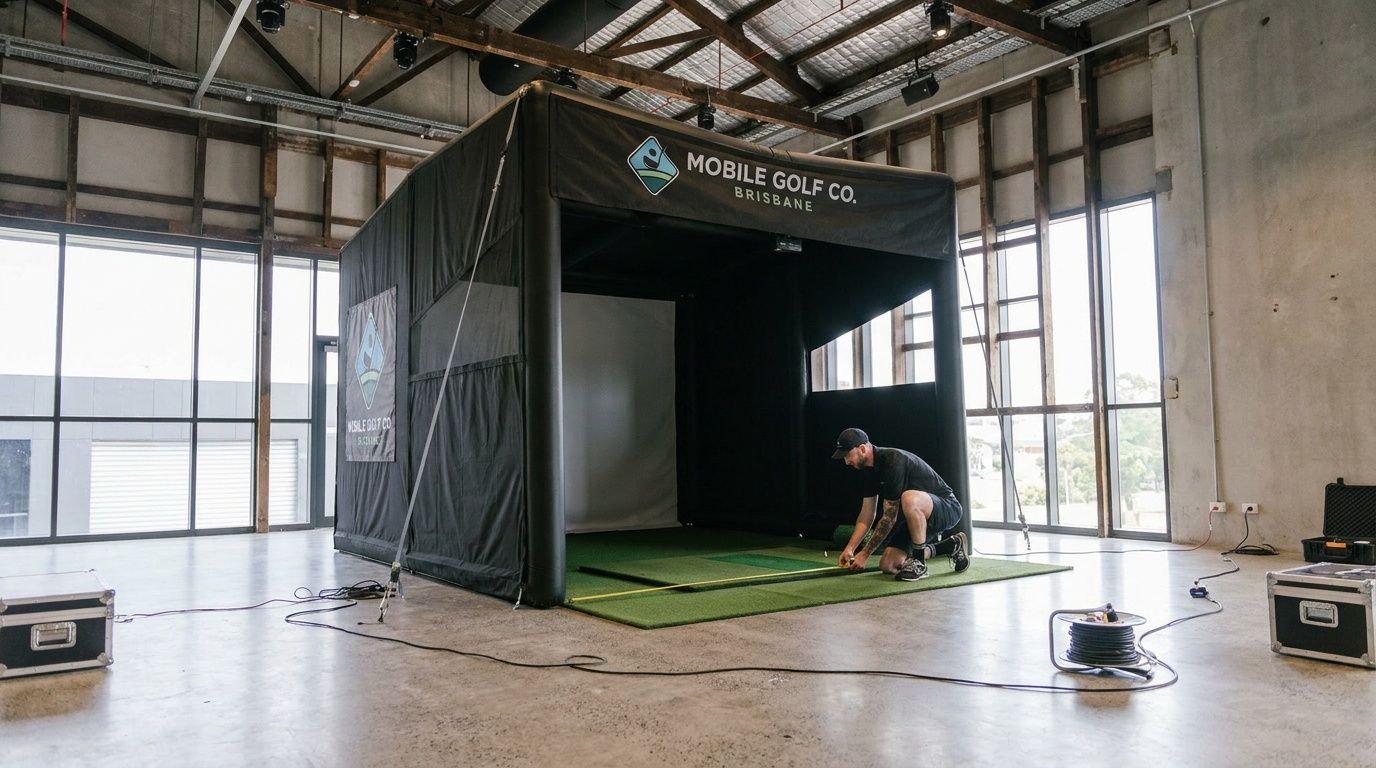
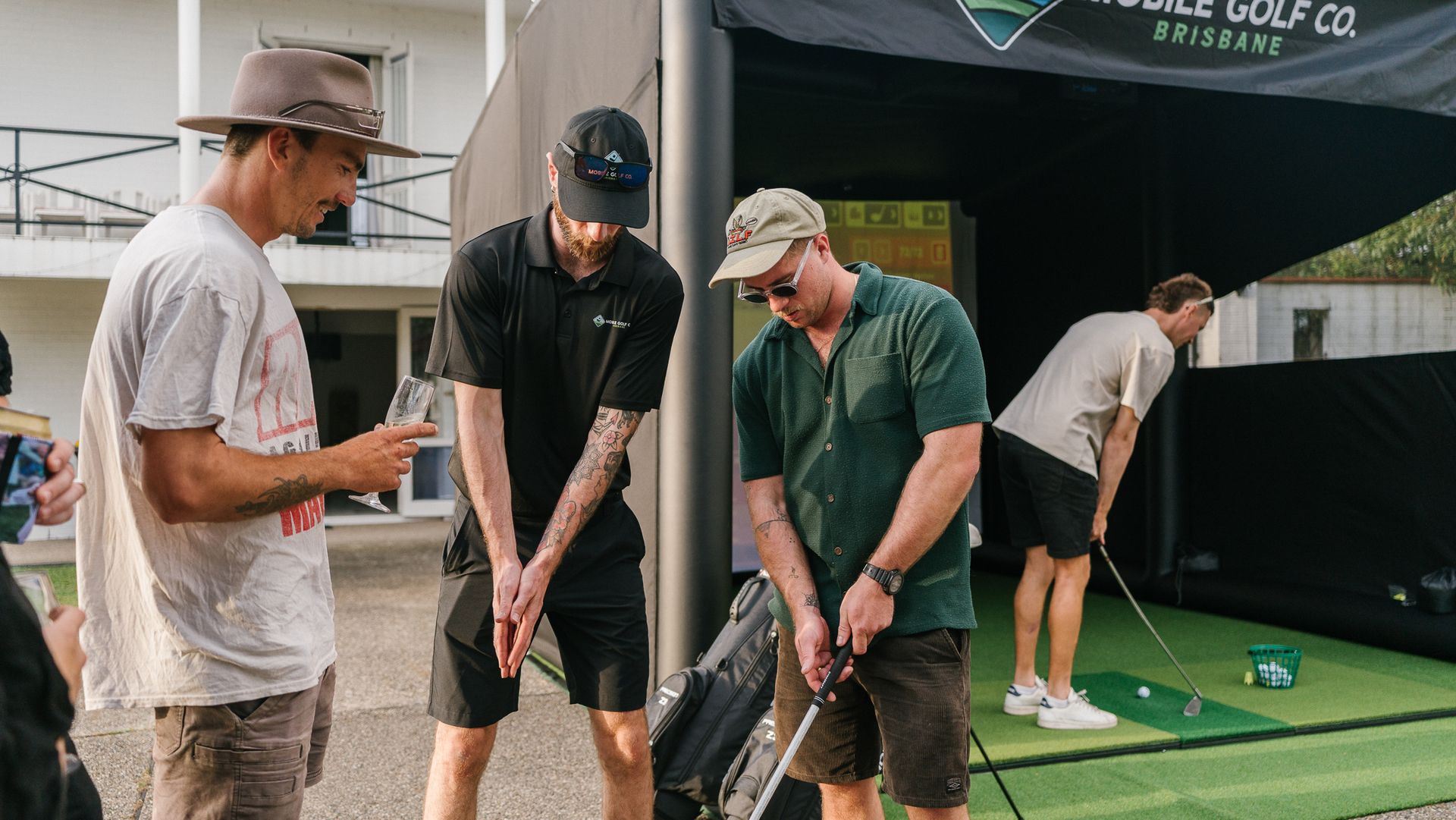
For golfers considering buying a launch monitor, Mobile Golf Co offers an ideal "try before you buy" opportunity. Players experience the Rapsodo MLM2 Pro in action, under real practice conditions, before deciding whether it suits their training style.
Upcoming Improvements With the MLM2 Pro
Rapsodo has confirmed that more data metrics will soon flow through to third-party simulator software, including:
- Complete club data across more modes
- Enhanced spin and launch modelling
- Improved short-game capture
This makes the MLM2 Pro an increasingly future-proof option for golfers wanting advanced diagnostics without tour-level price tags.
Final Thoughts
Launch monitor data isn't just for professionals. When players understand the numbers, they unlock the ability to:
- Improve faster
- Fit equipment correctly
- Hit more greens
- Control their ball flight
- Build confidence through measurable progress
With the Rapsodo MLM2 Pro and a mobile simulator setup, golfers in Brisbane, the Gold Coast, and the Sunshine Coast can analyse their swing like a tour player — anytime, anywhere.
If data builds champions, then the right technology builds better golfers.
Want to try the Rapsodo MLM2PRO before you buy?
Get hands-on with the data, compare shots, and see how it performs in your environment.
A smart way to make sure the MLM2Pro is the perfect fit.
Here's Some Other Posts You Might Like