Everything to lock down before you book a simulator for your event
If you're an event manager and you've never booked a golf simulator before, here's the honest version of what you need to know.
Not the sales version. Not the "don't worry, we handle everything" version. The version that means your venue briefing is complete, your run sheet accounts for the right timings, and there are no surprises on the day.
Space requirements
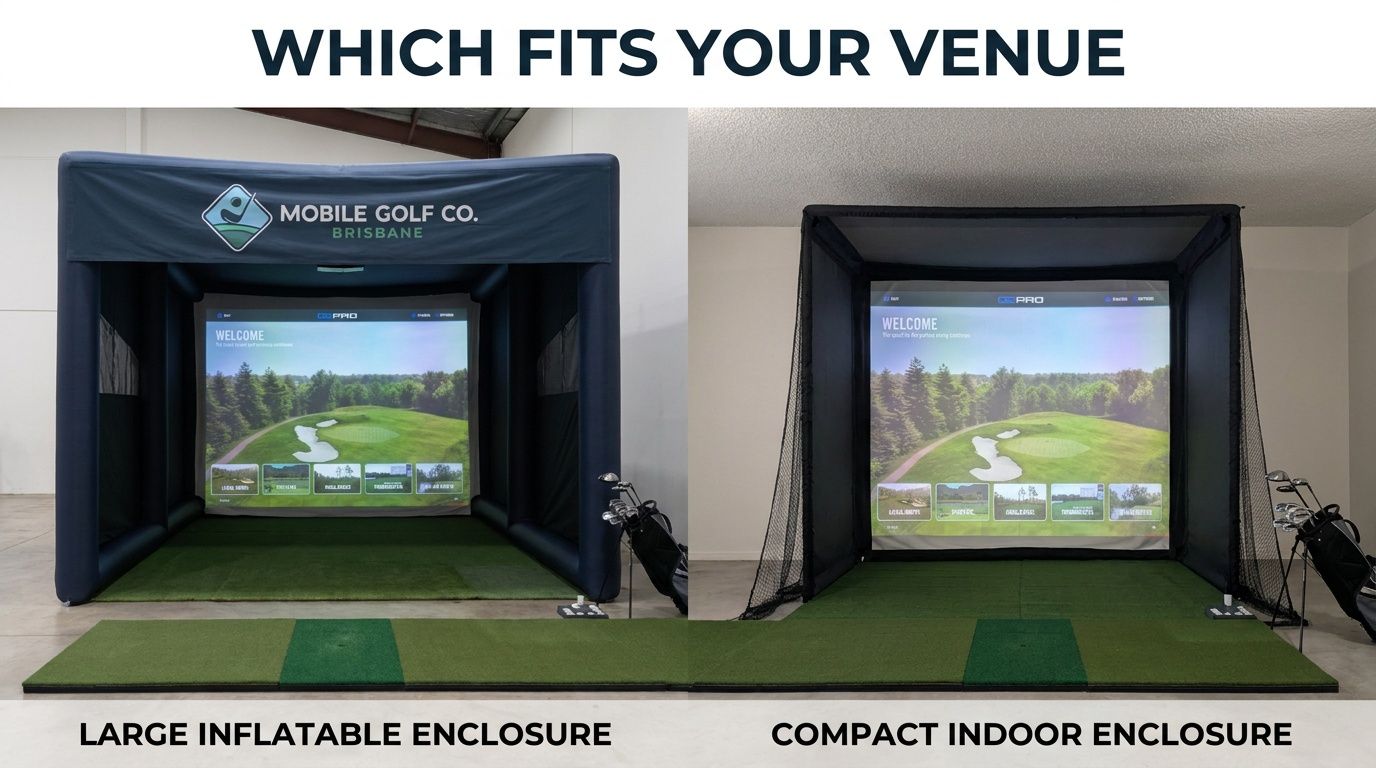
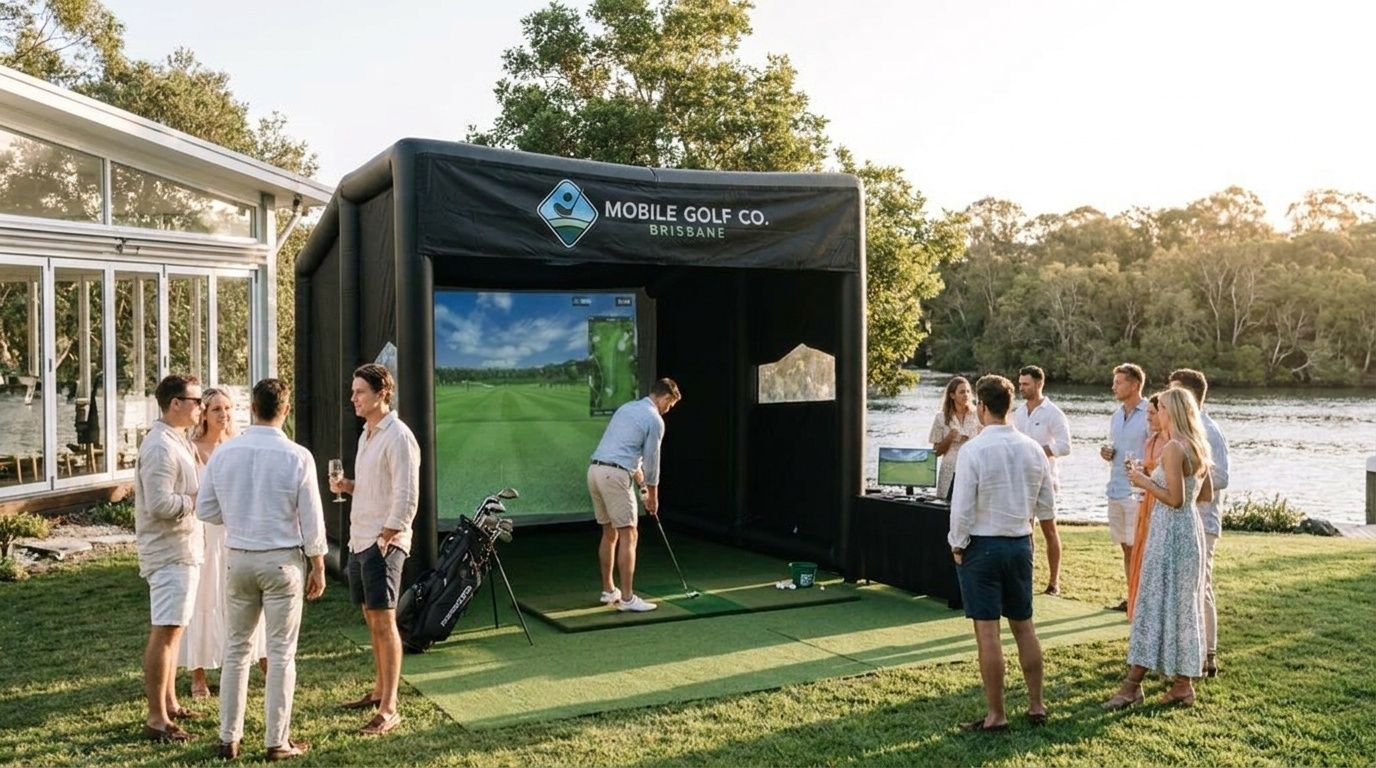
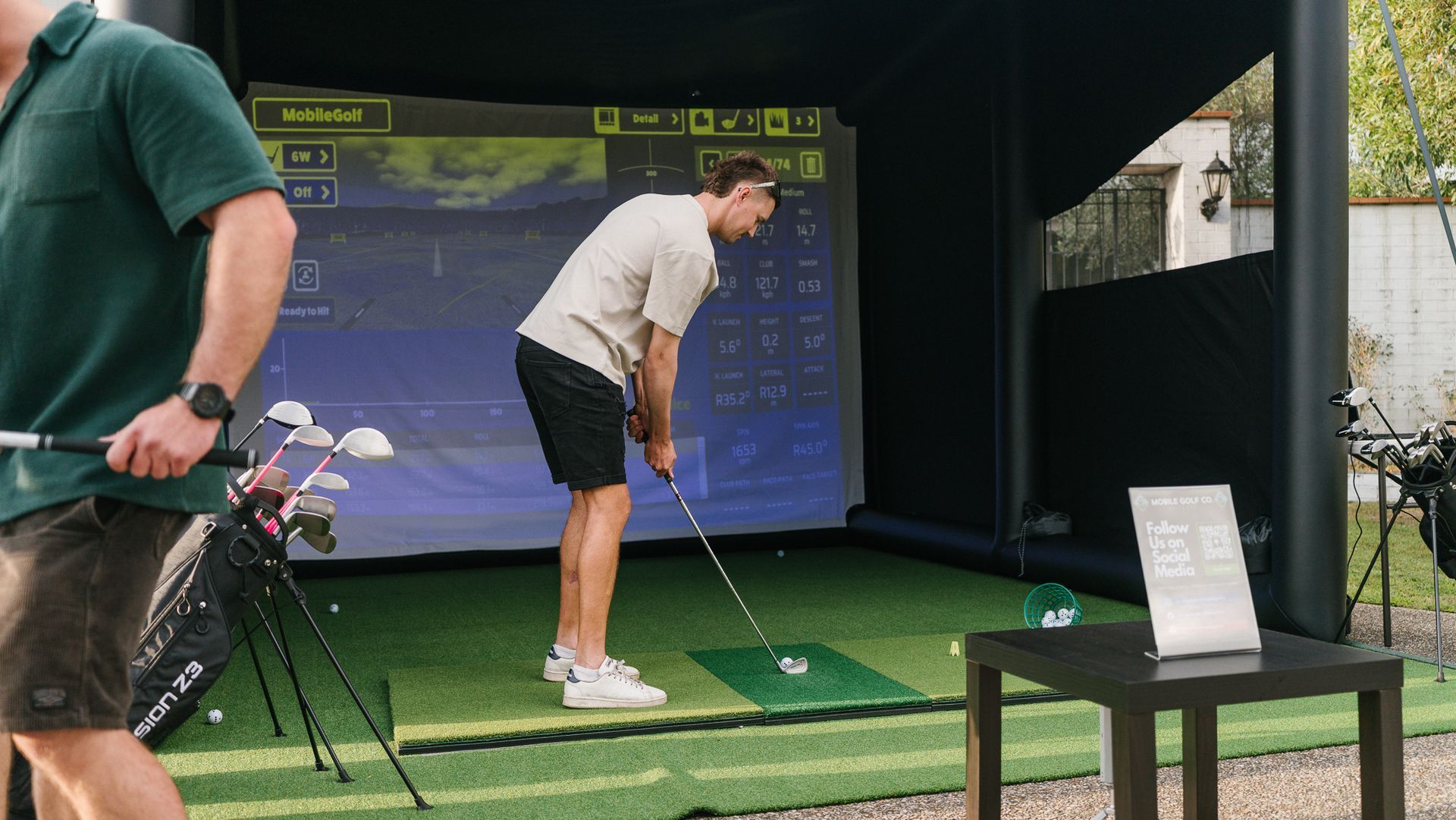
The standard inflatable enclosure requires:
- Length: 7 metres
- Width: 5 metres
- Height: 3.5 metres (ceiling clearance)
The compact indoor enclosure requires:
- Length: 6 metres
- Width: 4 metres
- Height: 2.8 metres (ceiling clearance)
That's the enclosure footprint. Add 2–3 metres of space in front of the opening for the host operating area and a small audience — so practically, allow 10 metres of length in total.
For venues with lower ceilings or restricted floor space, the compact indoor polyester enclosure works in smaller configurations. The minimum functional ceiling height for the compact unit is around 2.8 metres. If your venue sits between these options, send us the venue floor plan and we'll confirm what works.
The inflatable vs indoor enclosure comparison covers both options in detail with a direct specification comparison.
Power
One standard 10-amp power outlet within 20 metres of the activation.
That's it. No three-phase power, no generator hire, no special electrical requirements.
If your venue has the power outlet further than 20 metres from the planned activation location, we use an extension lead — tell us at briefing and we'll bring the appropriate length. If there's no power access in the planned area at all (e.g., outdoor courtyard with no exterior power points), we'll discuss alternatives at briefing.
Setup time
Allow 60–90 minutes for full setup before guests arrive.
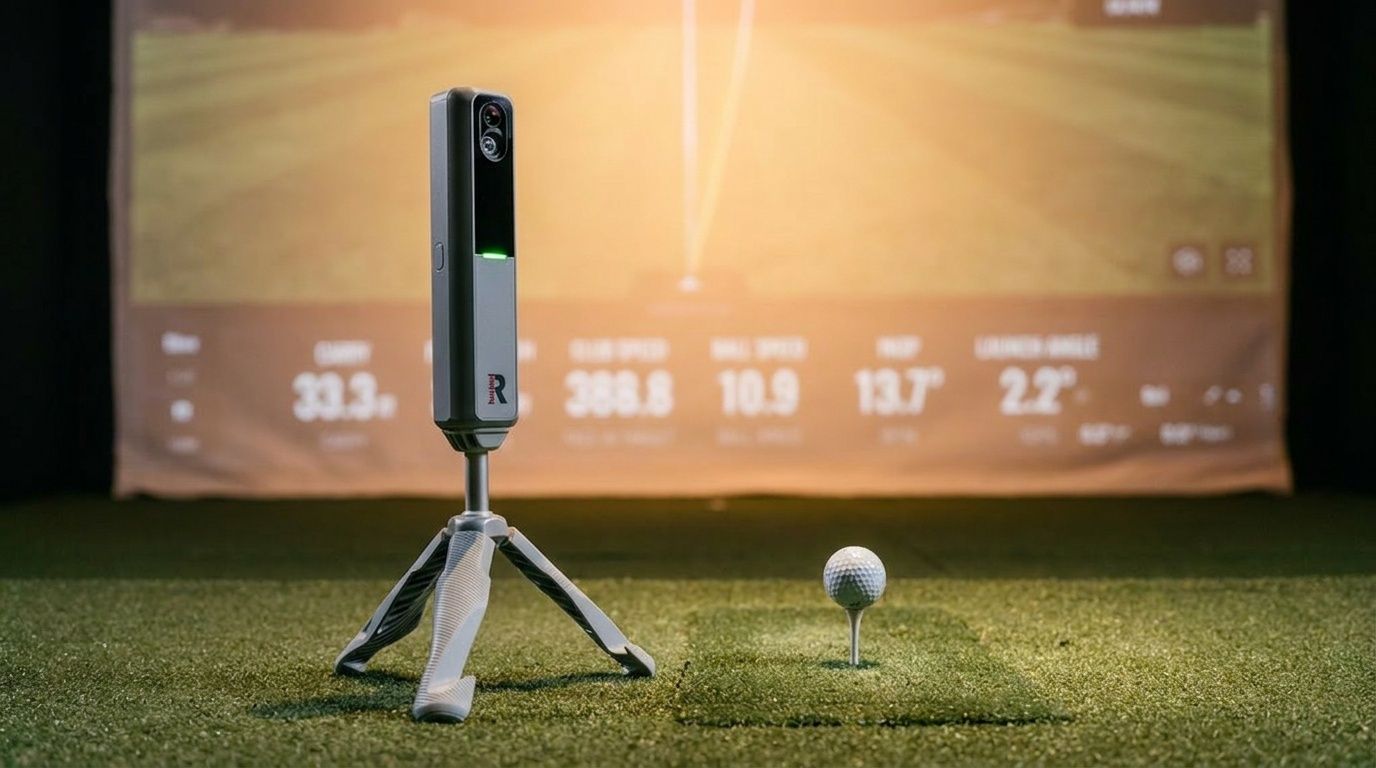
This covers: - Inflatable inflation and positioning - Projector calibration - Launch monitor positioning and calibration - Software configuration and test shots - Leaderboard setup - Briefing with any venue contacts
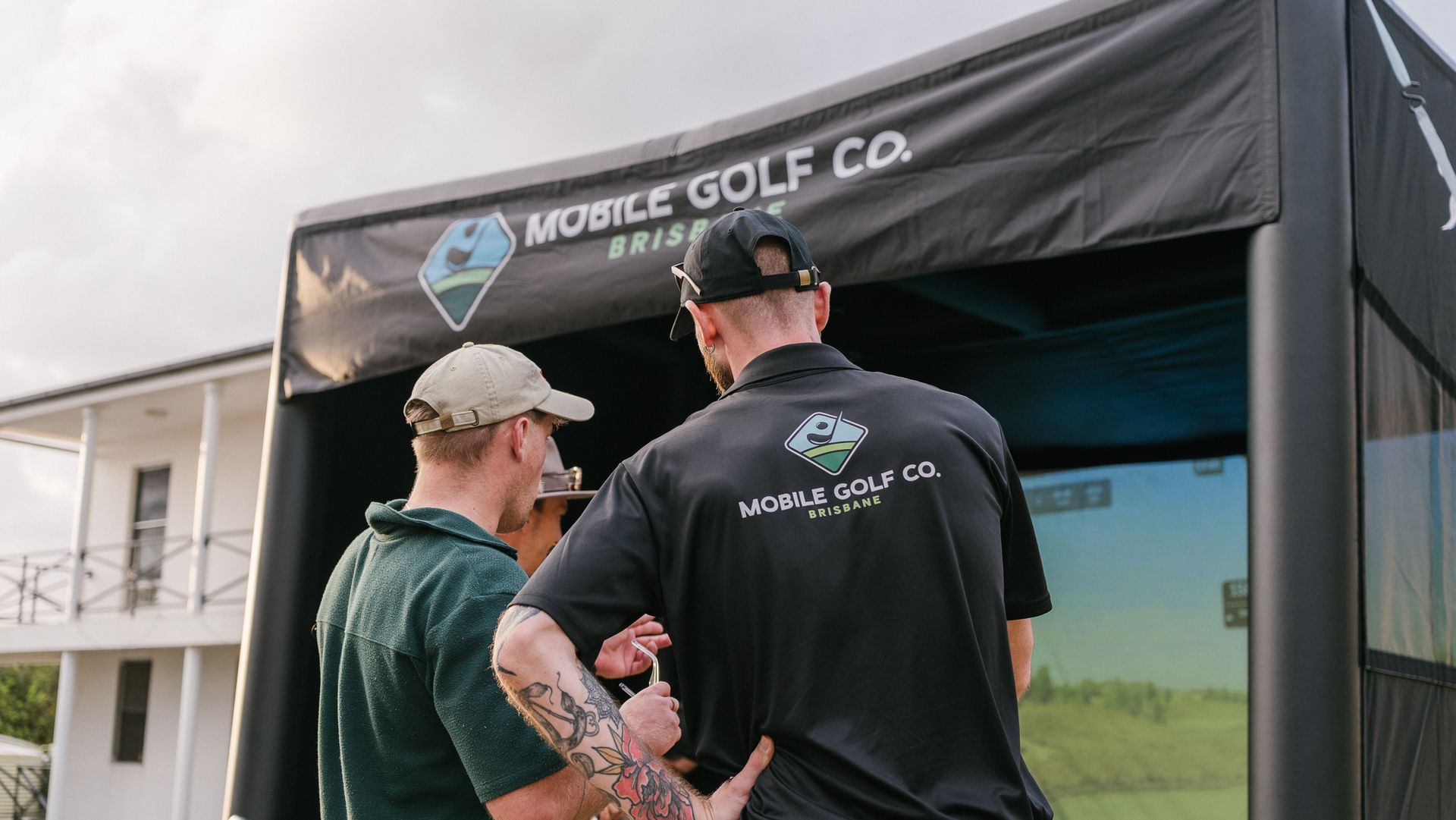
We coordinate directly with your venue. You don't need to manage us on setup day — we've done it enough times to know what to ask.
What we need from you for setup: venue access contact, vehicle parking or loading zone details, and the confirmed activation location within the venue floor plan. Send these in advance — not on the morning.
Packdown time
Allow 45–60 minutes for packdown after the event closes.
We don't leave until the venue is clean and the activation footprint is cleared. This is worth confirming with your venue — they often have a specific packdown window in their hire agreement, and we need to be within it.
Run sheet integration
The golf simulator is flexible around a run sheet. Here's how it typically integrates:
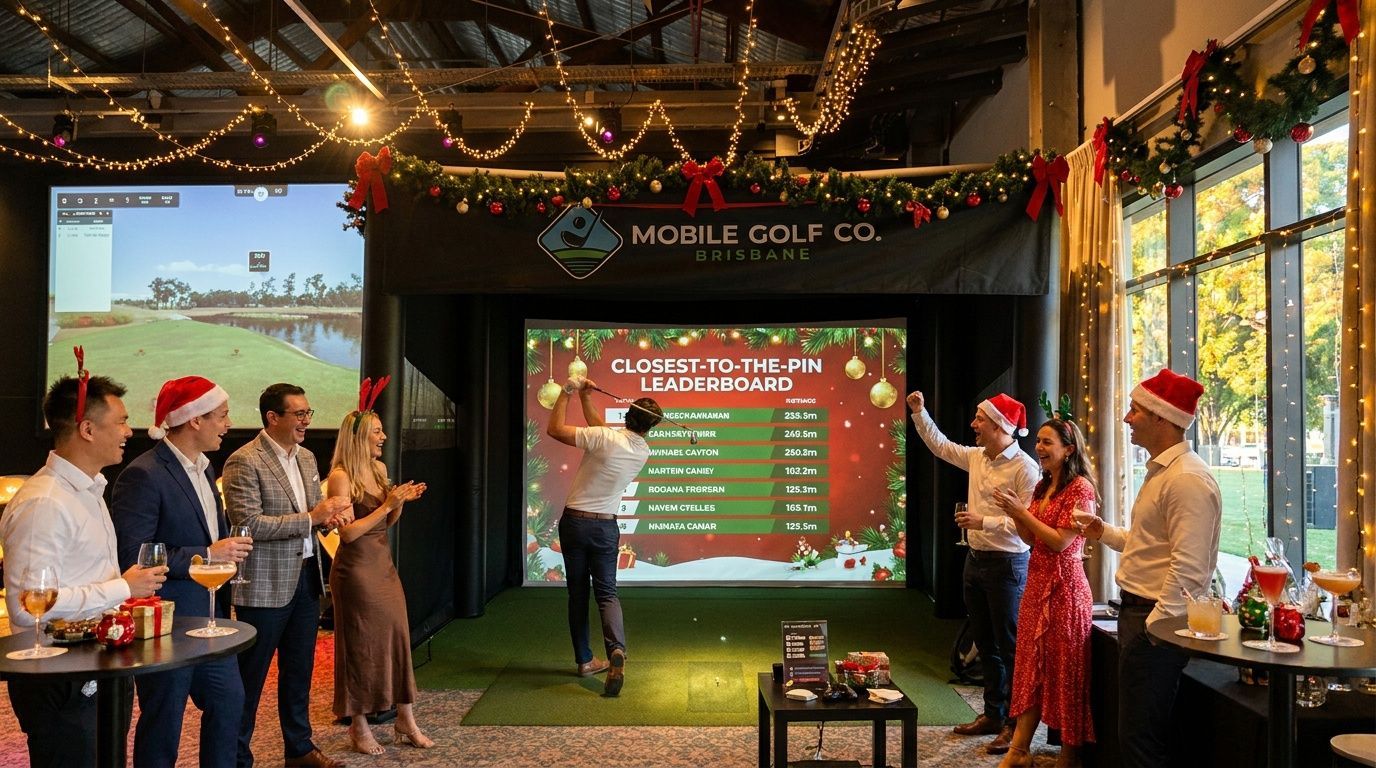
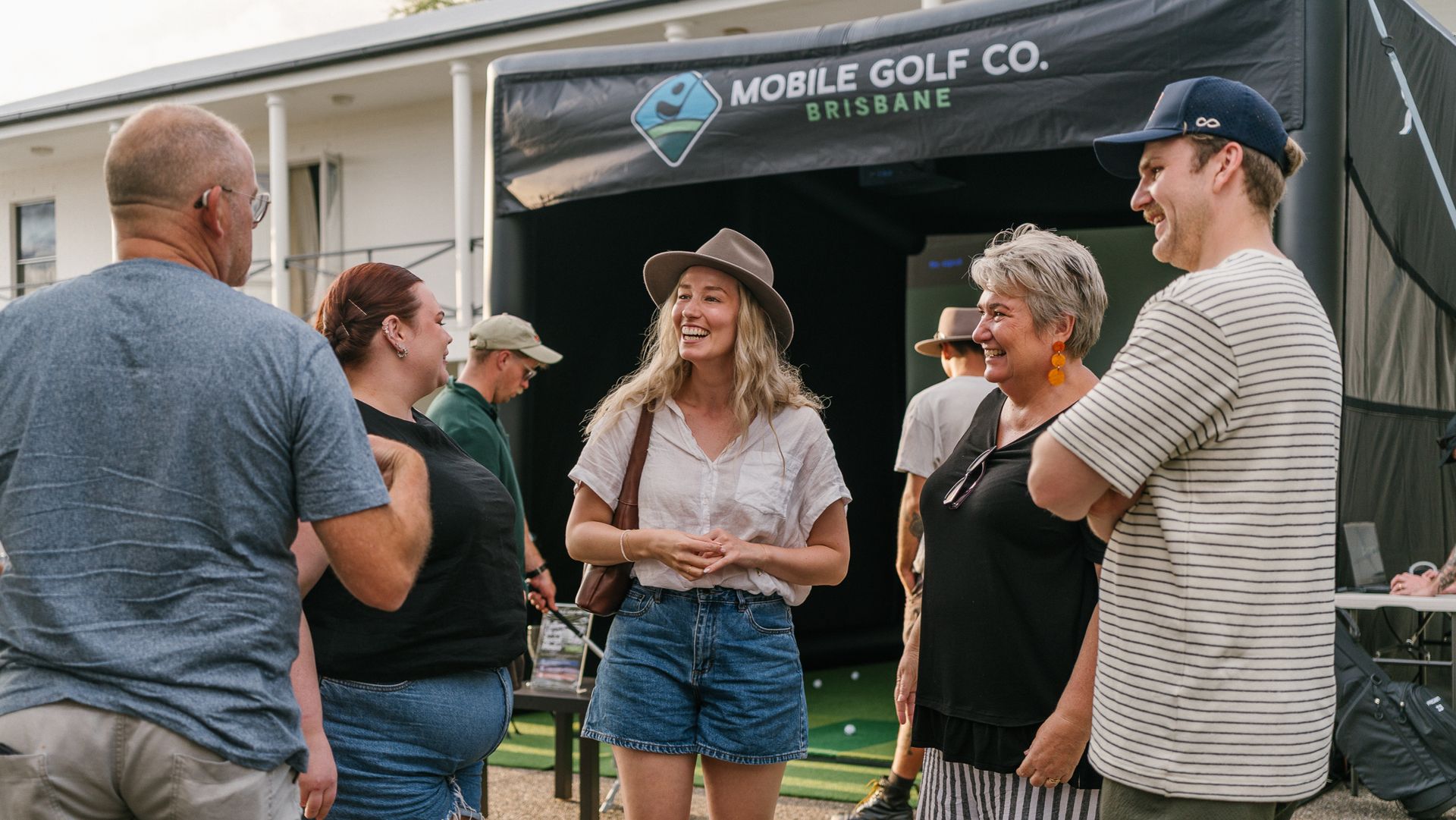
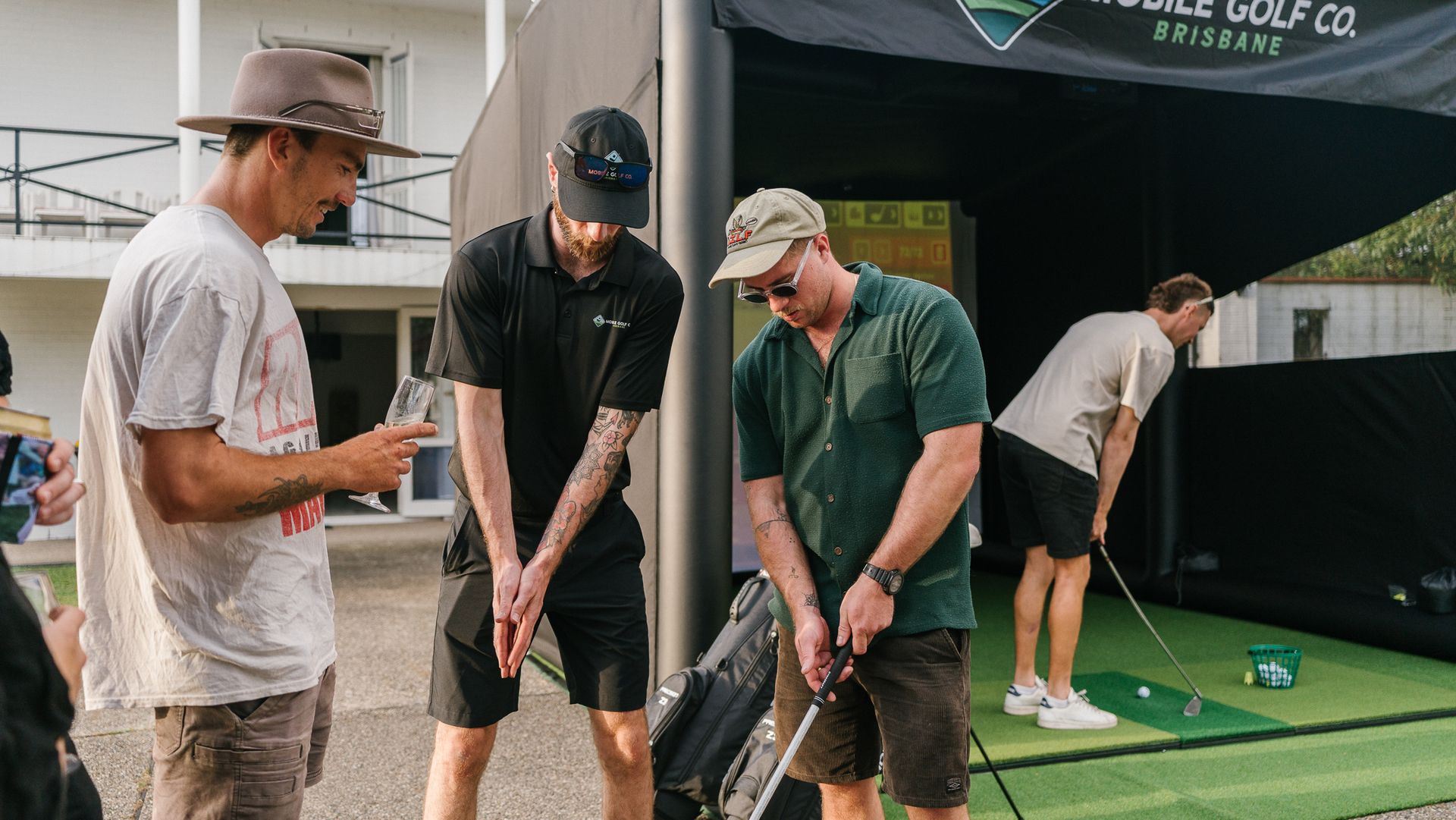
Cocktail hour / arrival activation: Guests arrive over 45–60 minutes and the simulator runs throughout. Natural gathering point, fills dead time, no host management required from your side.
Competition across the event duration: We register guests, run a format (closest-to-the-pin, longest drive, or a points-based system), and announce results at a specific point in your run sheet. This needs a time allocation — usually 3–5 minutes for announcement near the close.
Dedicated activity block: If your run sheet has a defined entertainment period (e.g., 6:30–8:00pm), the simulator anchors that block. Works particularly well for conferences or gala events where entertainment is scheduled rather than continuous.
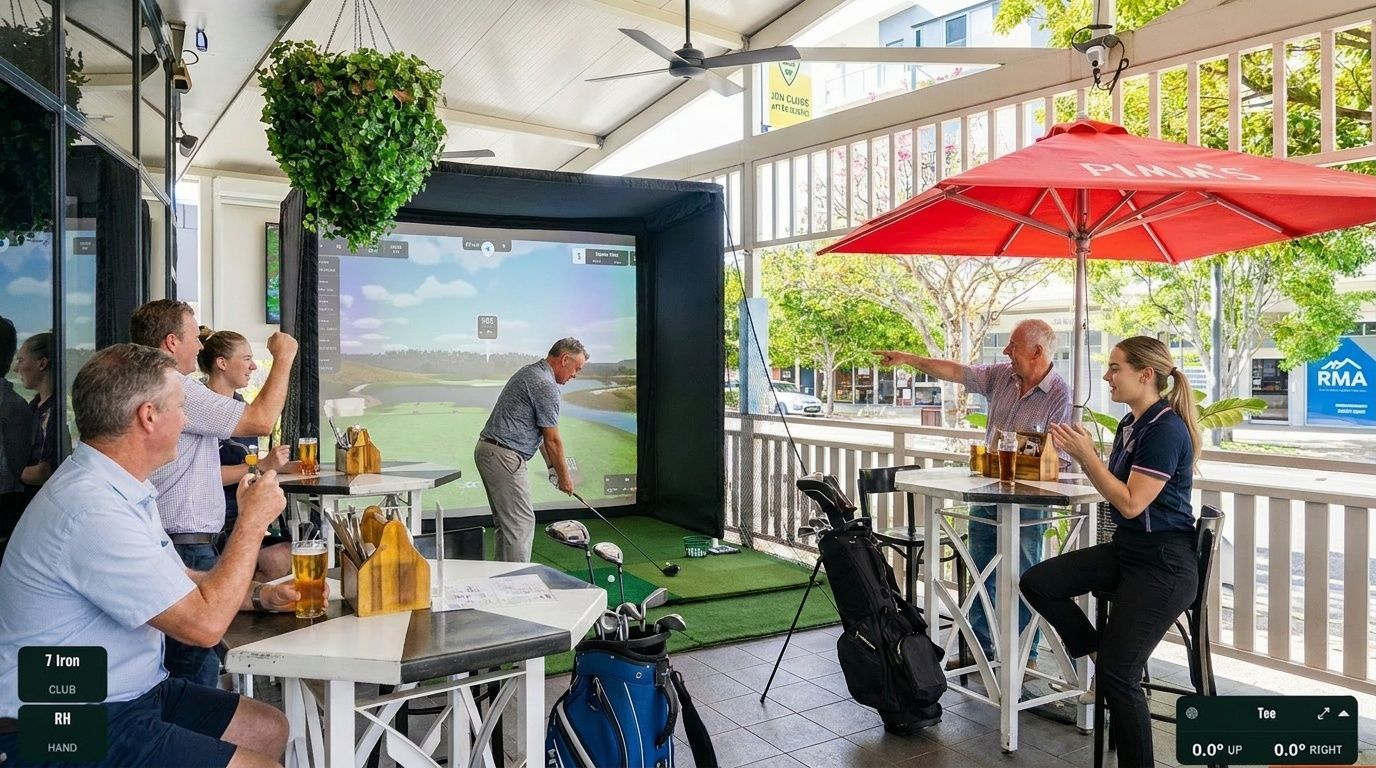
Pre-dinner or post-session activation: Outdoor or pre-function space activation before the main event. Guests engage on arrival, then move to dinner or the main program.
When you send us the run sheet, flag the activation window and the guest arrival start time. We'll confirm whether the setup timeline works or flag if we need earlier venue access.
What to brief the venue on
Tell your venue contact:
- A mobile golf simulator will be set up — inflatable or compact indoor unit
- Space required: confirm the activation location against the dimensions above
- Power outlet required at or within 20 metres of activation location
- Setup team arrives [confirmed time — 60–90 min before guests]
- Packdown complete by [venue's required time]
- Contact for equipment arrival: [your event contact, or direct them to us]
Most Brisbane venues have handled a golf simulator activation before or something equivalent — don't overthink the briefing. The key things are access time and power.
How many guests per hour?
As a rough guide:
- Comfortable throughput: 15–20 guests per hour in a competition format with individual shots
- Maximum throughput (game mode): 25–30 guests per hour in Awesome Golf's multi-player formats
- Competition format (4 hours): 60–80 guests can participate meaningfully
For events above 80 guests with a 4-hour window, discuss with us at booking. Options include a longer duration, a dual-bay setup (two simultaneous simulators), or a format adjustment that increases throughput.
What to ask any golf simulator hire supplier
This applies whether you're booking us or someone else:
- Is a host included, or do I operate the equipment? If you're managing the tech yourself, that's a different product.
- What happens if there's a technical issue during the event? Who troubleshoots, and what's the fallback?
- What's the power requirement? Make sure your venue can accommodate it.
- What are the exact space requirements? Get dimensions in writing.
- What is the cancellation and wet weather policy? Important for outdoor events.
- Can you show me credentials? Ask who they've worked with. The answer tells you a lot.
Risk management
A few event manager specifics:
Weather: If your event is outdoor, discuss wet weather contingency at briefing — not on the day. The inflatable handles mild weather but not sustained rain or high wind. If your venue has indoor backup capacity, we plan for it in advance.
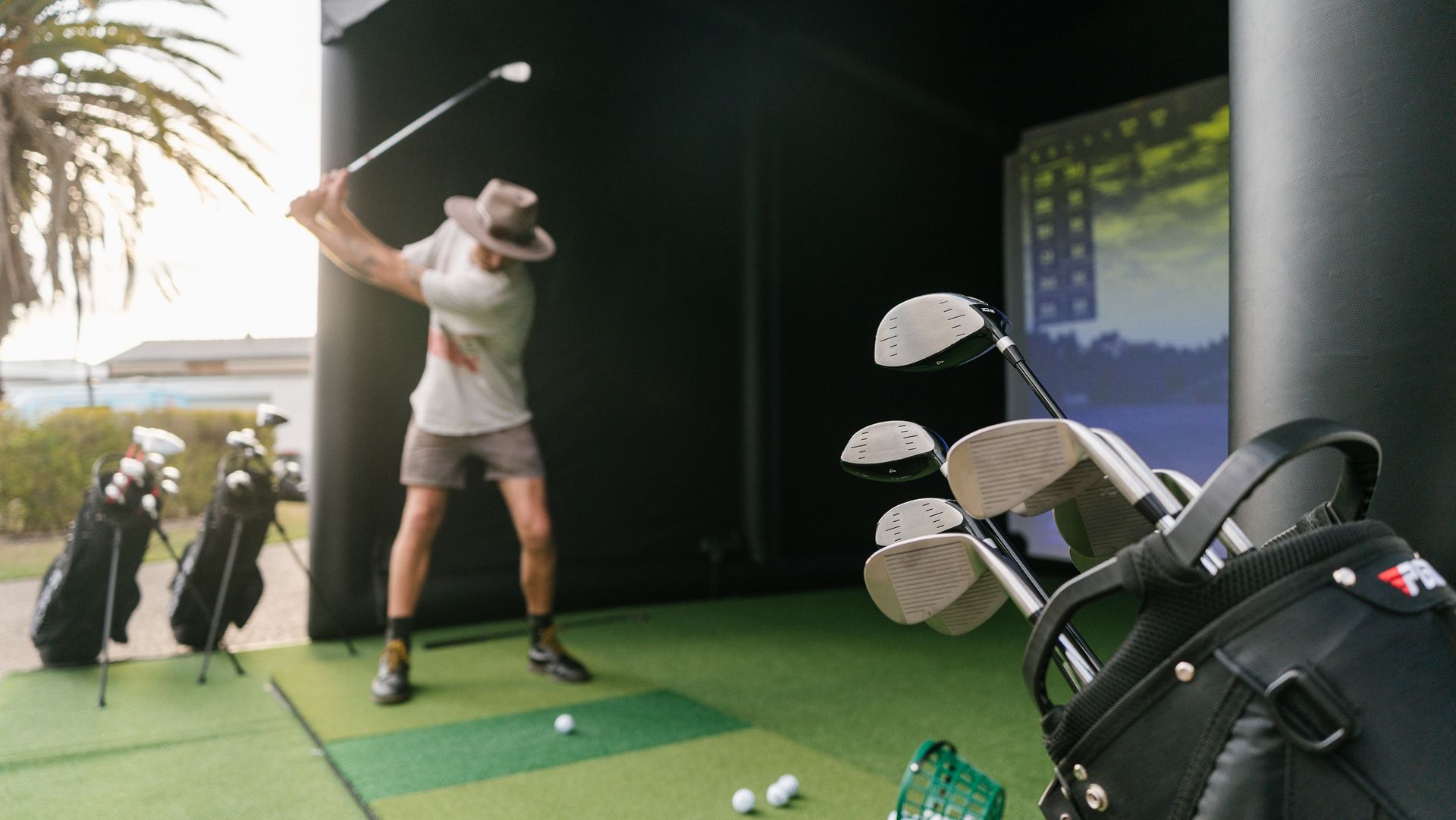
Safety: The enclosure contains all shots. Guests cannot send a ball into the crowd. All-ages audiences — including children — are fine with the standard setup.
Liability: We carry our own public liability insurance. Confirm coverage limits and request a certificate if your event requires it.
Ready to confirm?
The golf simulator activation guide for Brisbane gives more context on what an activation is and how it runs at different event types. The pricing guide for Brisbane events covers package rates and what affects the quote.
When you're ready to book or need a quote to take to approval, contact us here or speak to us directly. Give us the event date, venue, guest count, and the run sheet window — we'll confirm everything within 24 hours.
For the bigger picture beyond logistics, our full golf simulator events guide for Brisbane & SEQ ties every event type together.
Related: What is a golf simulator activation? · Pricing guide Brisbane · Inflatable vs indoor enclosure · Inflatable setup explained · Corporate event packages
Here's Some Other Posts You Might Like